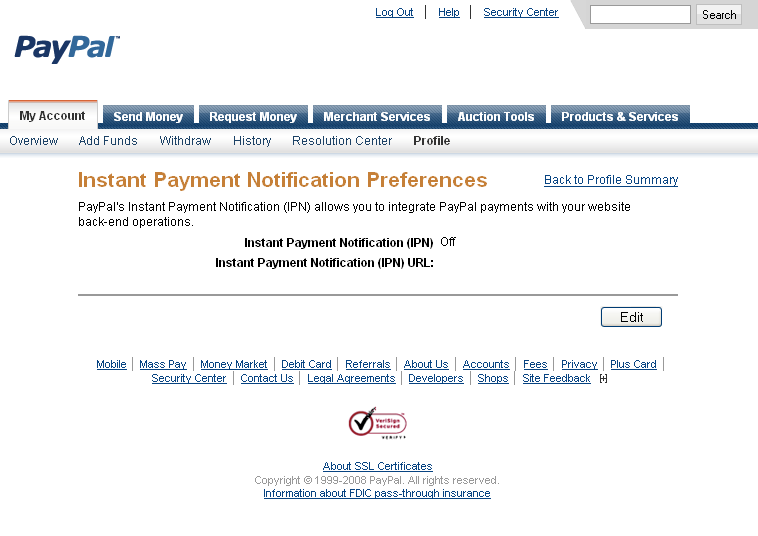
To edit your settings log into your PayPal Account, Click on Profile. Both sections you want to edit are here. The First one is Instant Payment Notification Preferences (6 down on the right column in my image) the second is the Website Payment Preferences (10 down on the right column in my image). You will find the correct settings to set these to within your Miva Merchant admin section, at the screen where you edit the Payment settings for your PayPal Website Payments Standard module.


Leave a Reply