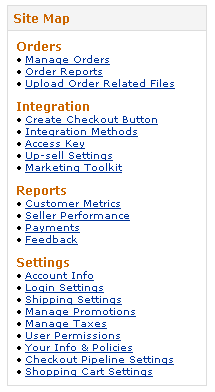
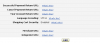
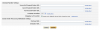
To edit your settings log into your Seller Central Account, Click on Checkout Pipeline Settings under Settings on the left hand menu. Click on the Edit button. You will find the correct settings to set these to within your Miva Merchant admin section, at the screen where you edit the Payment settings for your Checkout by Amazon module. The correct settings are listed on the bottom. Keep in mind the Merchant URL must be a secure (https) URL. Then Click Update to complete.

Leave a Reply